The Problem: WhatsApp Orders Are Killing Your Productivity
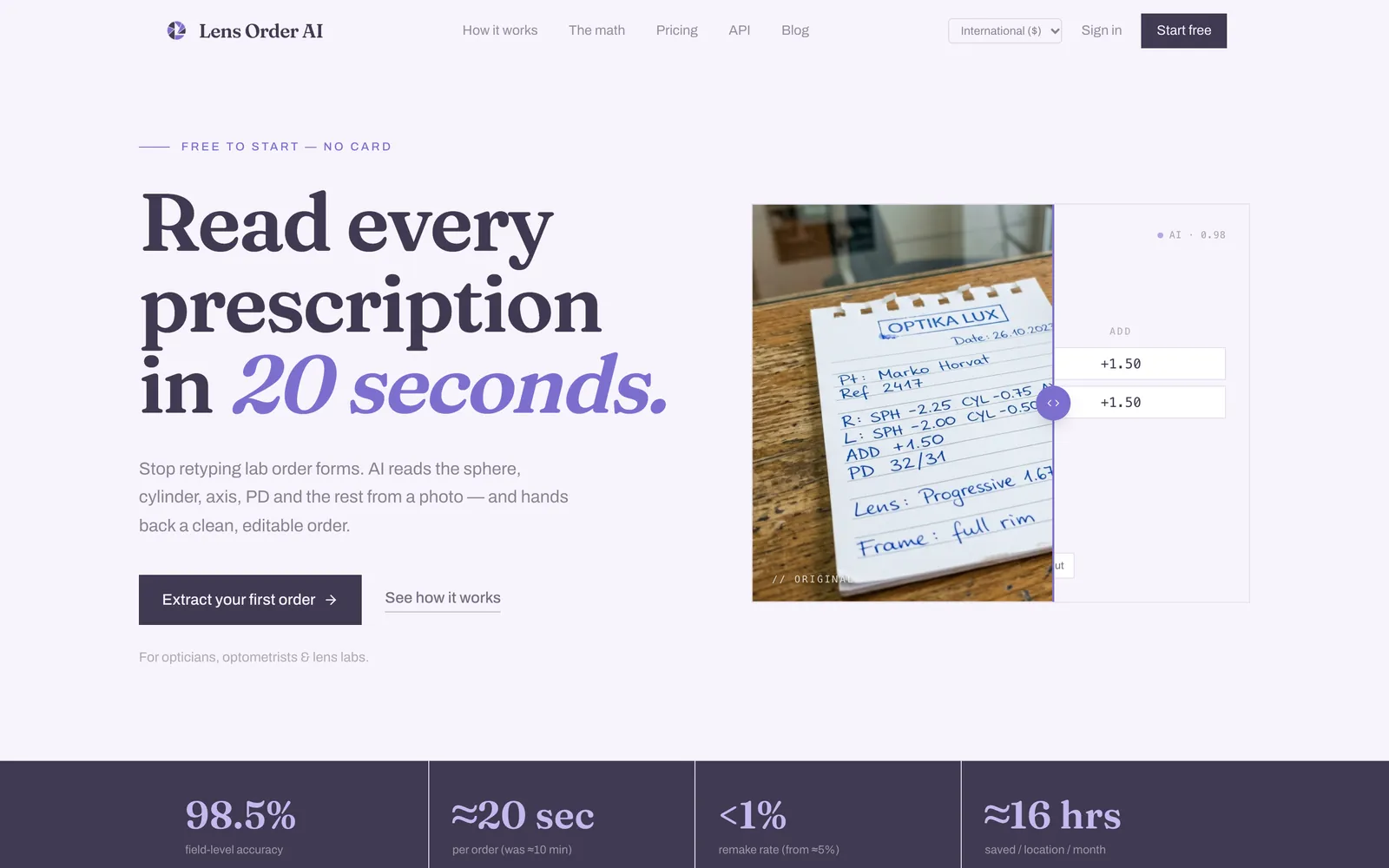
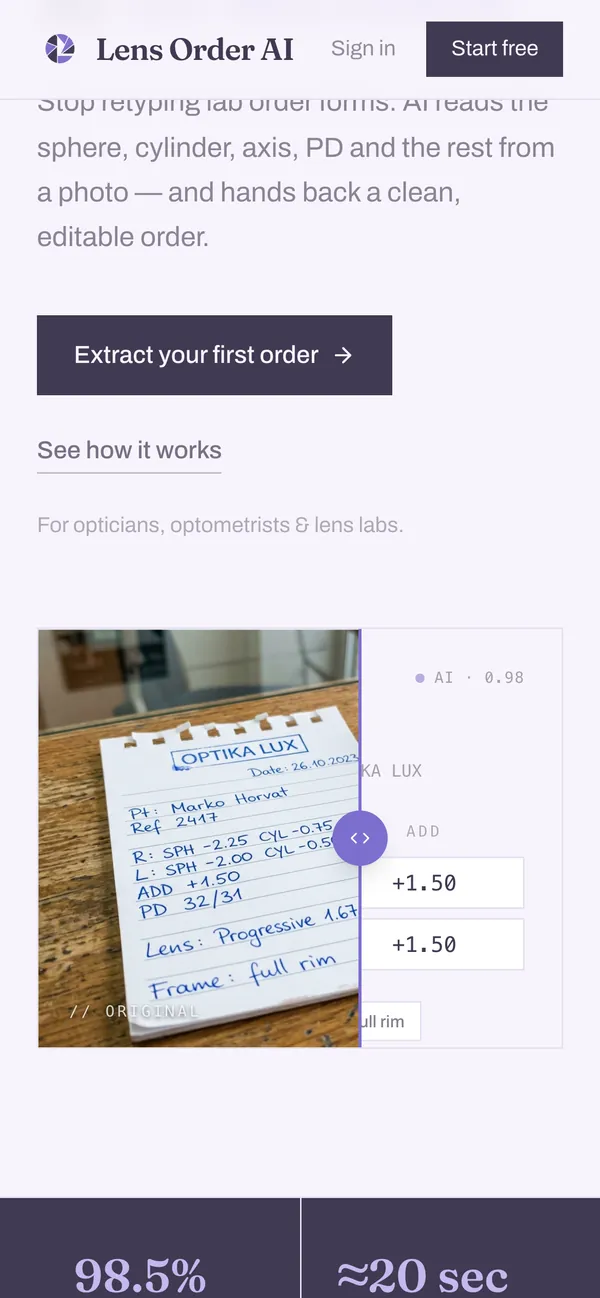
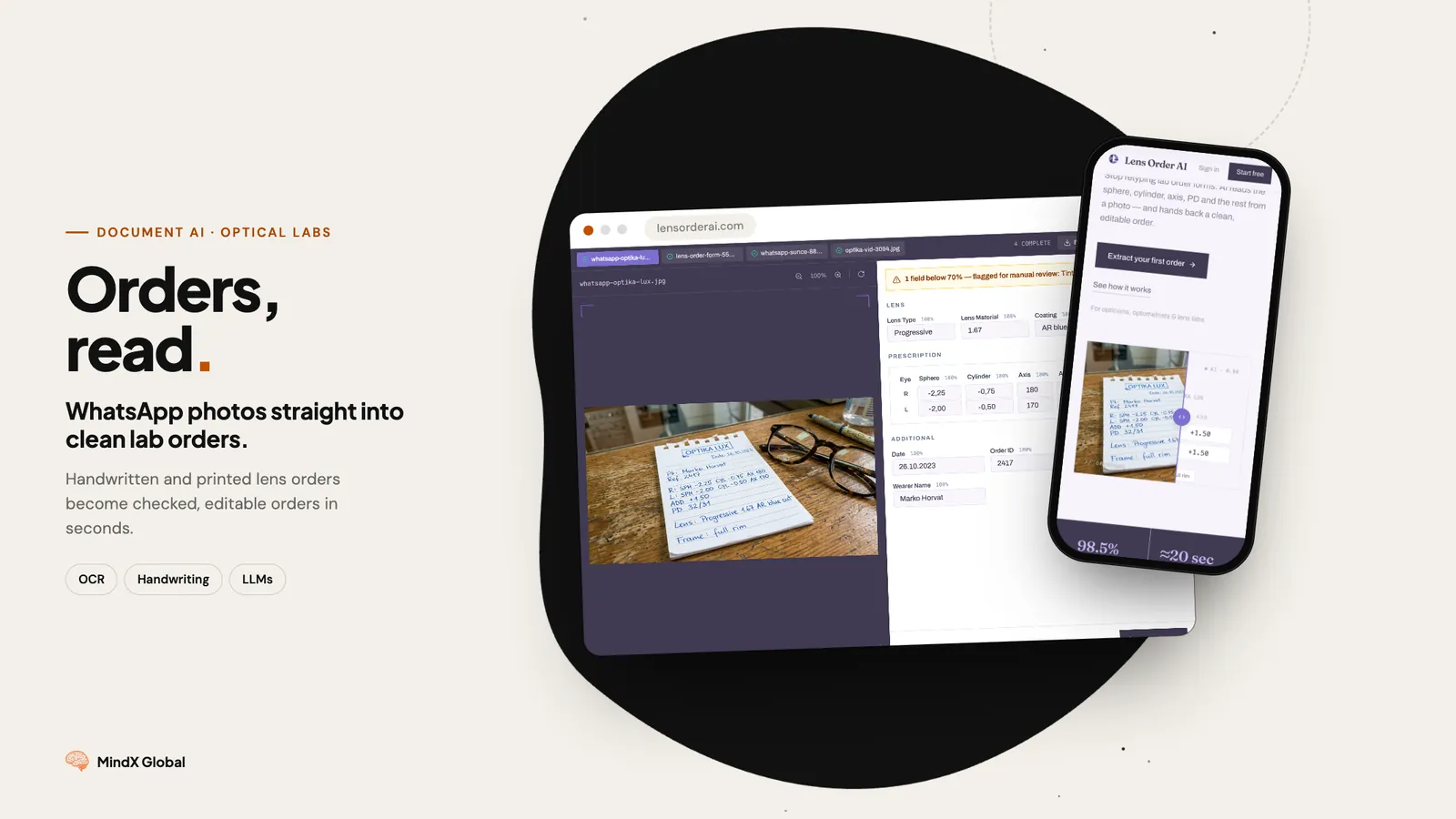
Your optical lab receives prescription orders via WhatsApp. Photos of handwritten Rx forms. Scanned PDFs. Screenshots of patient records. Each one needs to be manually typed into your EDI system.
Every manual transcription is a risk:
- SPH -1.75 becomes -1.25 — Wrong lens, wrong patient, expensive remake
- Axis 90 becomes 09 — Customer complaint, refund, lost trust
- ADD 2.00 gets missed entirely — Progressive lens without the add power
One transcription error can cost you $50-200 in materials, plus the time to remake and reship.
What if AI could read the prescription image, extract every field, validate against your database, and submit to your EDI — in seconds?
What We Built: AI-Powered Prescription Extraction
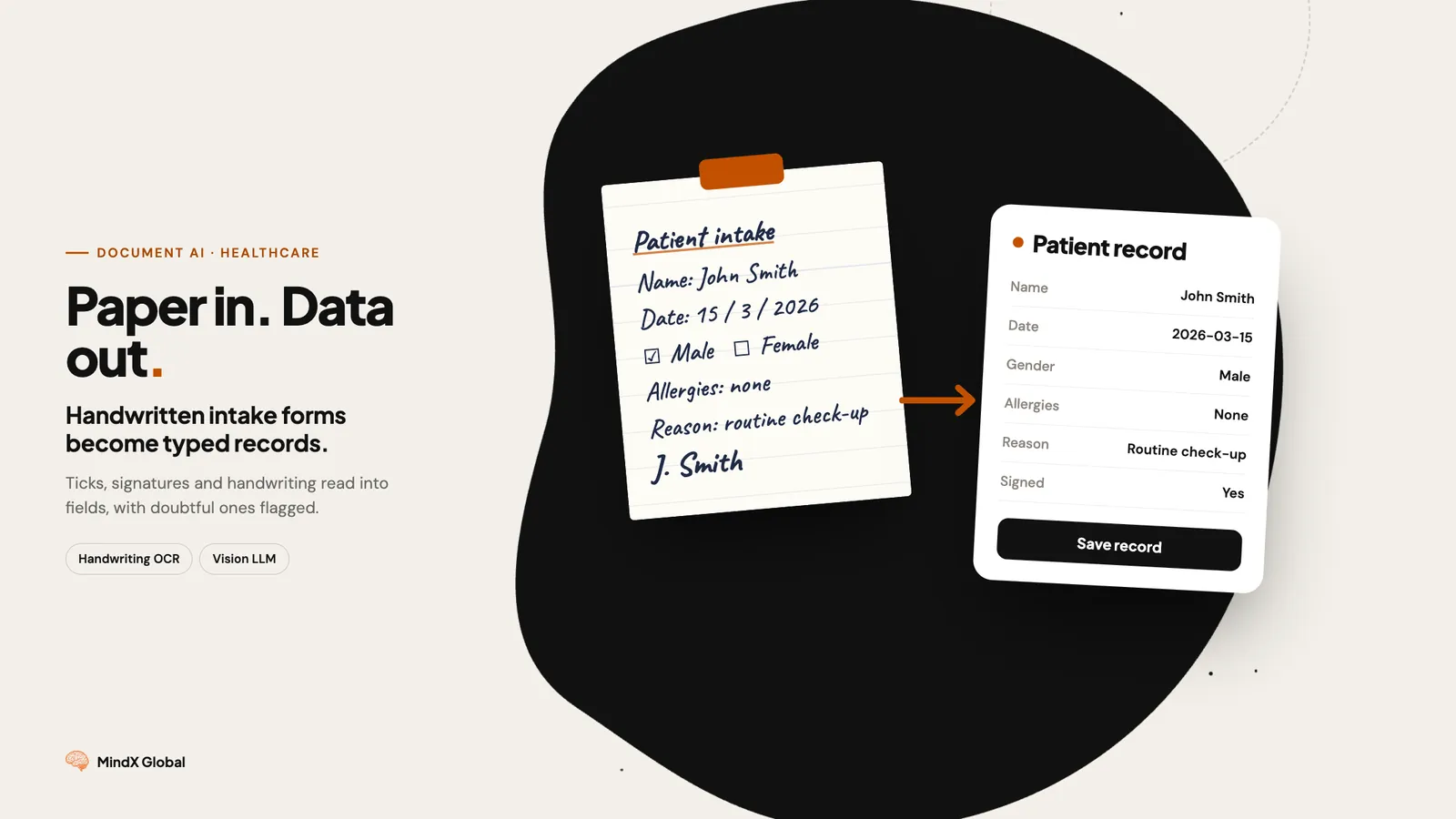
We built a system that turns messy WhatsApp prescription images into structured, validated orders — ready for your EDI system.
How It Works
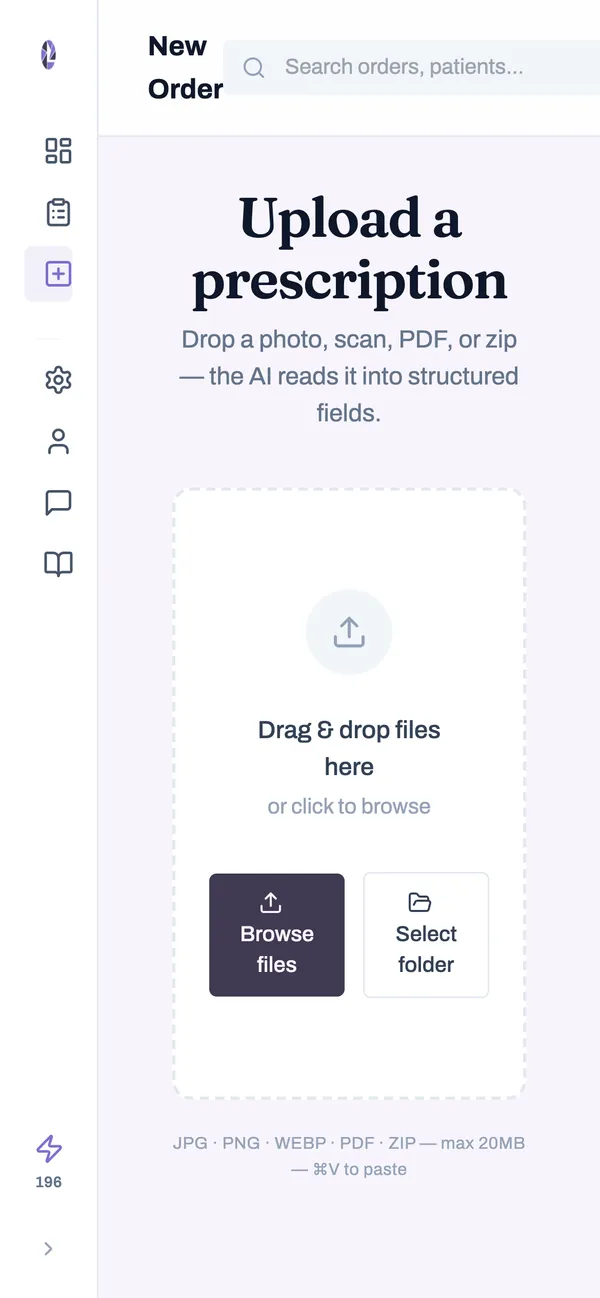
Step 1: Upload the Image Drag and drop the prescription photo (JPG, PNG, or PDF). The system accepts WhatsApp photos, scanned prescriptions, screenshots, handwritten or printed — doesn't matter.
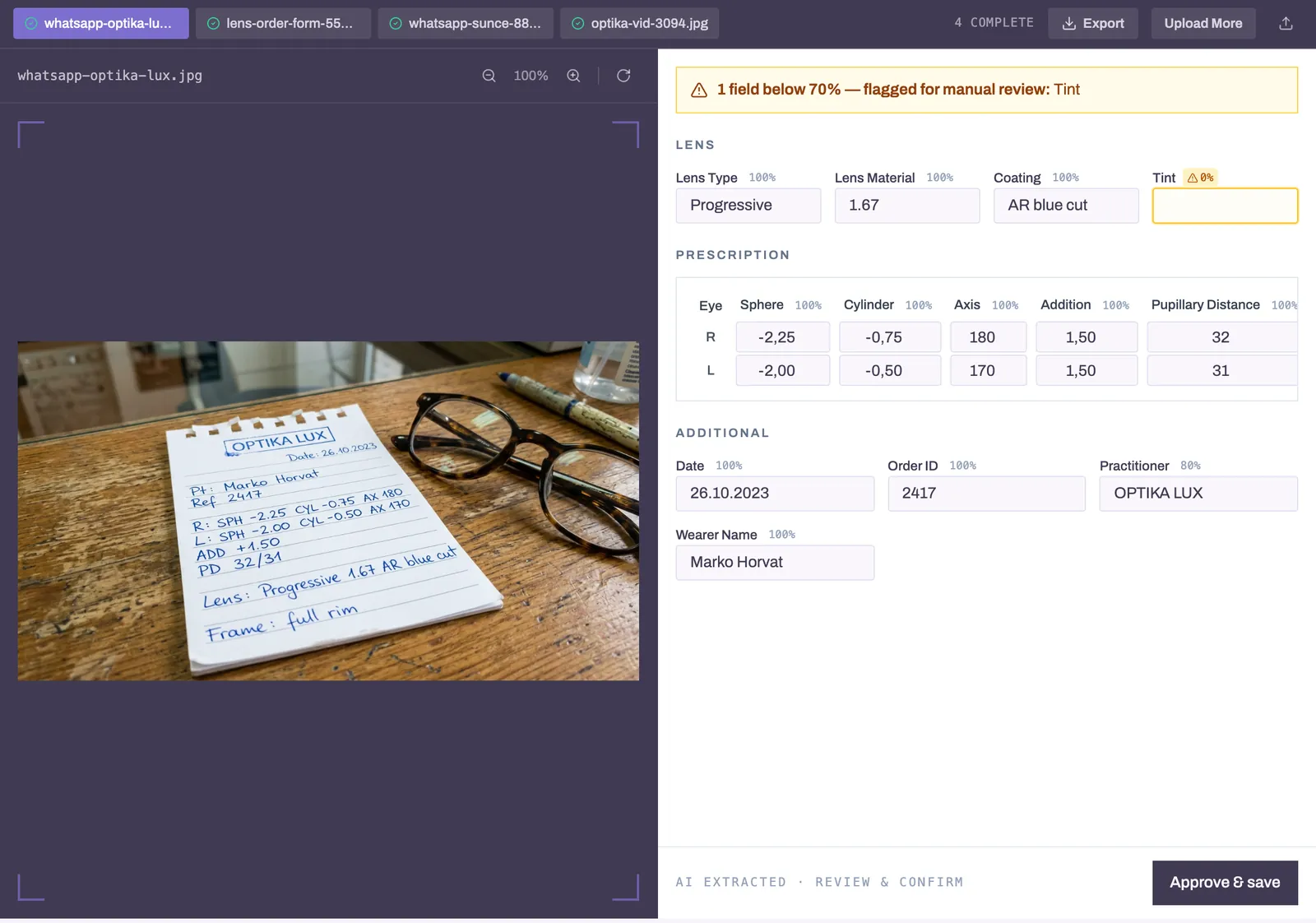
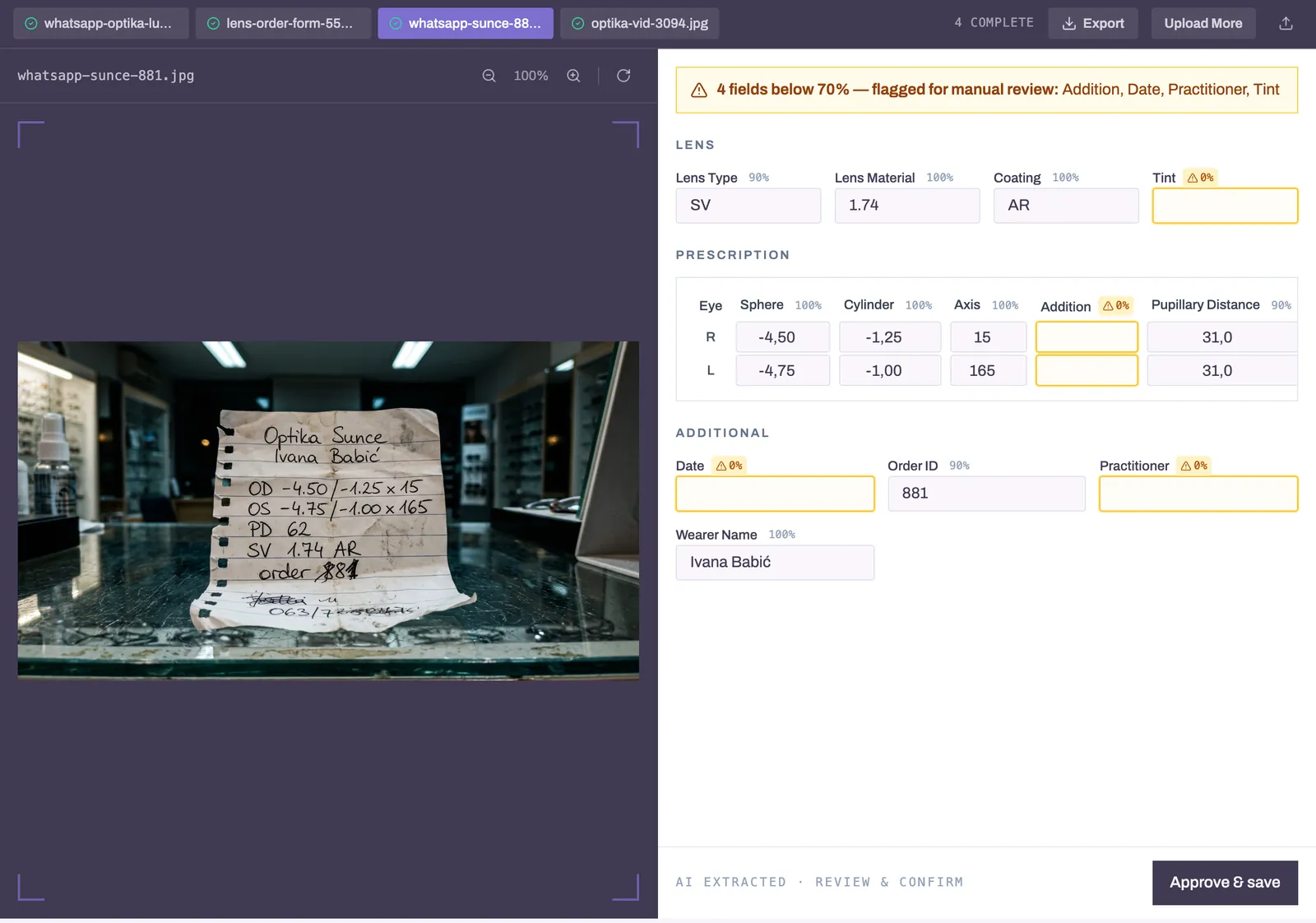
Step 2: AI Extracts the Data Gemini 3 reads the image and extracts every field:
| Field | Example | What We Extract |
|---|---|---|
| SPH | -1.75; -1.75 | Sphere power (Right; Left) |
| CYL | -0.50; -0.25 | Cylinder power |
| AX | 90; 180 | Axis degrees |
| ADD | 2.00; 2.00 | Addition power for progressives |
| IPD | 32.0; 32.0 | Interpupillary distance |
| LNAM | OVMDXV | Lens code |
| TINT | Gray | Tint specification |
| ACOAT | PT GREEN | Anti-reflective coating |
Plus frame measurements, fitting heights, and customer details.
Step 3: Smart Validation The form auto-matches against your databases:
- Customer matching: Fuzzy search finds "ABC Optical" even if the image says "ABC Optic Store"
- Lens code validation: Confirms the code exists in your catalog
- Tint & coating matching: Validates against available options
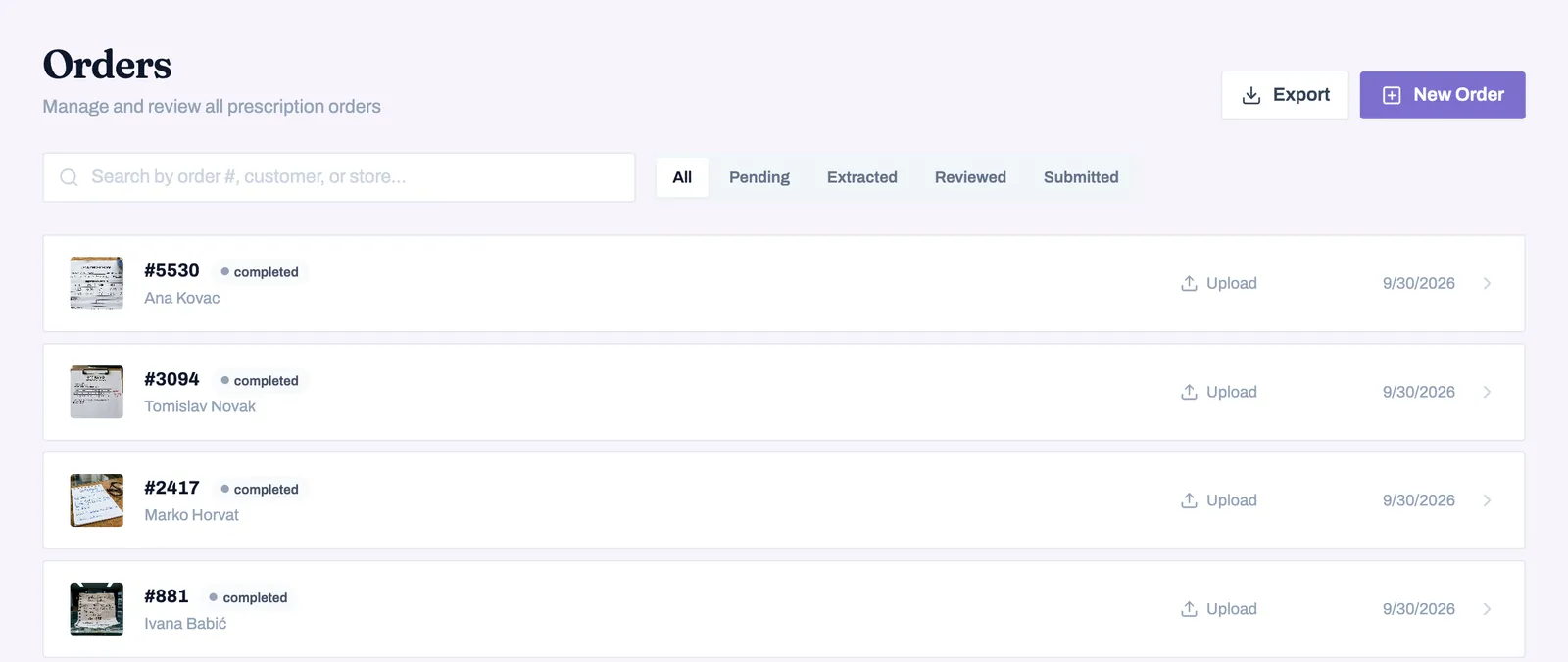
Step 4: One-Click Submit Hit submit. The system generates VCA-compliant format and sends via SOAP to your EDI.
Results: What Changes for Your Lab
| Before | After | Impact |
|---|---|---|
| 3-5 min per order entry | 15 seconds | 95% faster |
| 2-3% transcription error rate | <0.5% with validation | 80% fewer errors |
| Staff tied to data entry | Staff focused on production | Higher throughput |
| Scaling requires hiring | Scaling requires nothing | No additional headcount |
Real Numbers from a Production Deployment
An optical lab processing 200 orders/day:
- Before: 2 full-time staff on data entry (16 hours/day)
- After: Same volume in <1 hour of review time
- Savings: 15 hours/day of labor redirected to production
- Error reduction: Remakes dropped from 8/week to 1/week
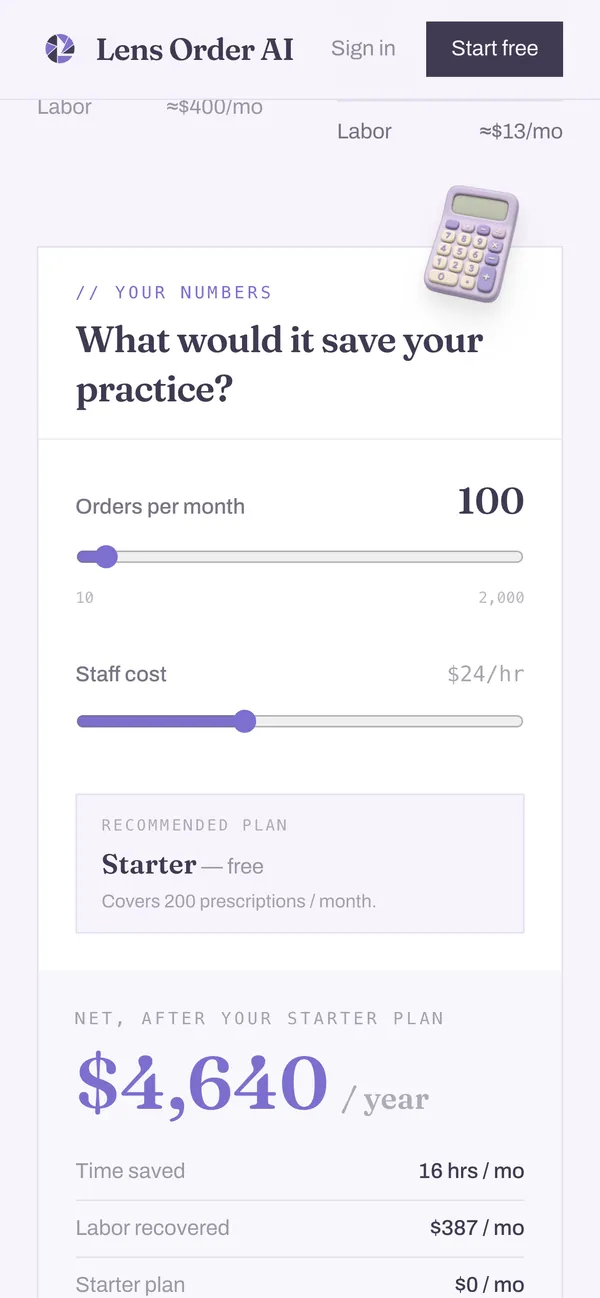
That's $35,000+ in annual labor savings, plus $15,000+ in avoided remake costs.
Is This Right for Your Lab?
This solution is built for:
- Optical labs receiving orders via WhatsApp, email, or fax
- Optical retail chains processing prescriptions from multiple stores
- Lens distributors handling high-volume order intake
- Franchise operations needing consistent data entry across locations
- Any business manually typing data from images into systems